Trading Signals
Access available trading signals directly through the application, delivered in real time.
XAU/USDBUY
GOLDBUY
GBP/JPYBUY

Access trading signals, stay updated with important announcements, and manage your VIP membership through one simple mobile application.
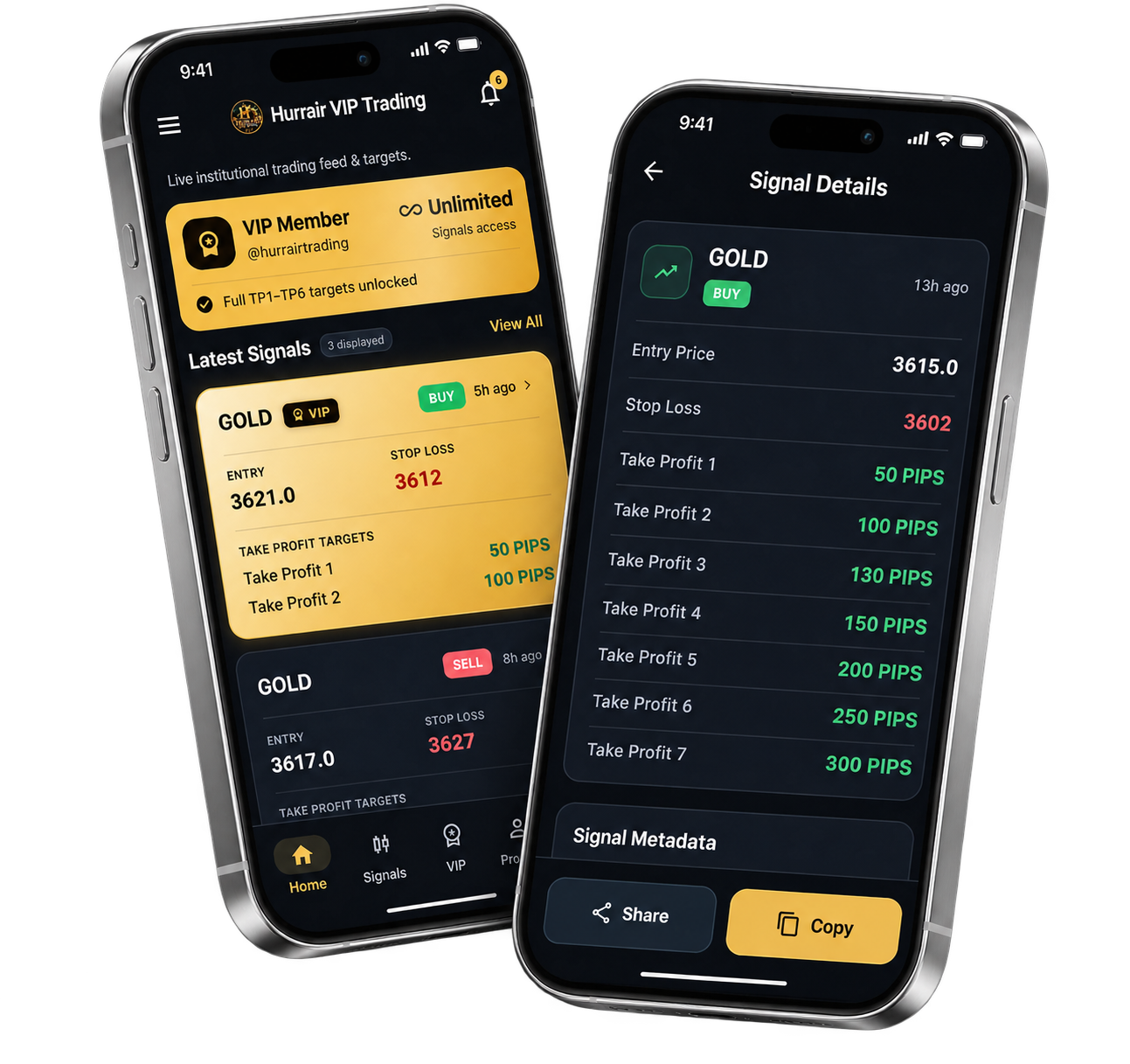
Four powerful pillars, designed to keep you informed and in control.
Access available trading signals directly through the application, delivered in real time.
Follow and review trading signal information in one clean, organised feed.
Receive important announcements from the administration instantly.
Explore and activate VIP membership from inside the application to unlock the full experience.
Download the official Android APK directly from this website.
Register using your details inside the app and access your account.
Explore VIP membership and follow the activation process inside the application.
VIP membership is activated inside the mobile application.
Create your account, explore VIP membership and follow the instructions inside HURRAIR VIP TRADING to activate your access.
Download the Application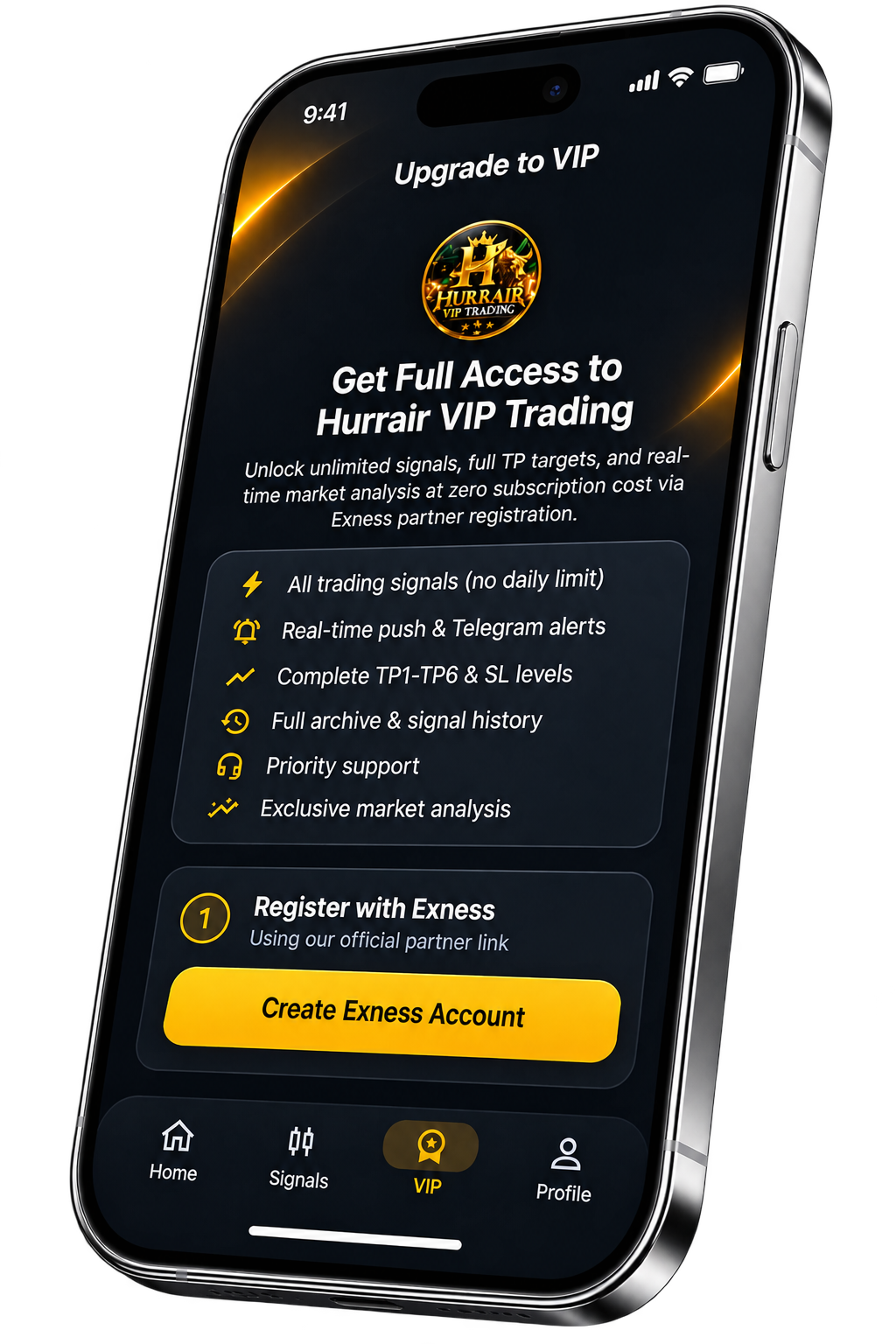
Download HURRAIR VIP TRADING and access your trading signals through one convenient application.
Download the official release APK straight from our verified HTTPS servers.
Google Play Store availability is currently in preparation. Once officially published, the direct store link will be available here.
Until the Play Store release is live, the direct Android APK above is the official, verified method to install HURRAIR VIP TRADING.
Find everything you need to know about the Hurrair VIP Trading application, signals, and membership.
Hurrair VIP Trading is an official mobile application providing real-time trading signals, take profit and stop loss targets (TP1–TP6), administrative announcements, and VIP membership access for forex and metals traders. It is an informational signals tool, not a broker or financial advisor.
You can download the official release APK directly from our verified website. Tap the "Download APK" button, save the file to your Android smartphone, and follow our simple step-by-step installation instructions.
The Google Play Store listing is currently in preparation and will be published once officially approved. Until then, the direct Android APK on this website is the official, verified installation method.
After installing the Android application, open Hurrair VIP Trading on your phone, tap "Register", enter your registration details, and create your account to access your dashboard and signal feed.
Free accounts have access to two trading signals per day, full application navigation, and all public administrative announcements.
VIP membership is activated directly inside the mobile application. Navigate to the Membership section in the app, review the VIP features, and complete the activation process shown there.
Yes. VIP membership activation is exclusively handled inside the Android application. The website is an informational portal and does not process direct payments or online checkout.
Download the APK file from our website, tap the downloaded file from your notifications or Downloads folder, grant installation permission for your browser or file manager if prompted by Android, tap "Install", and launch the application.
You can reach customer support directly through the in-app support center inside the mobile application, or through the official support email listed in our website footer.